Redmine Resource Management - How to Set Public Holidays and Personal Vacations
- Details
- Written by Michael Stanek
- Category: Knowledge Base

Assuming you have the latest 2.0.2 version of Redmine X Resource Management Plugin, the best way to manage holidays, both public and personal is the following:
Calendar Settings
Go to Calendar Settings (/settings/plugin/redmine_x_assets) or click on the Settings icon in the top right corner and choose Calendar Settings. YOu will end up on a page where you can set public holidays and working days both for the whole company and individual exceptions.
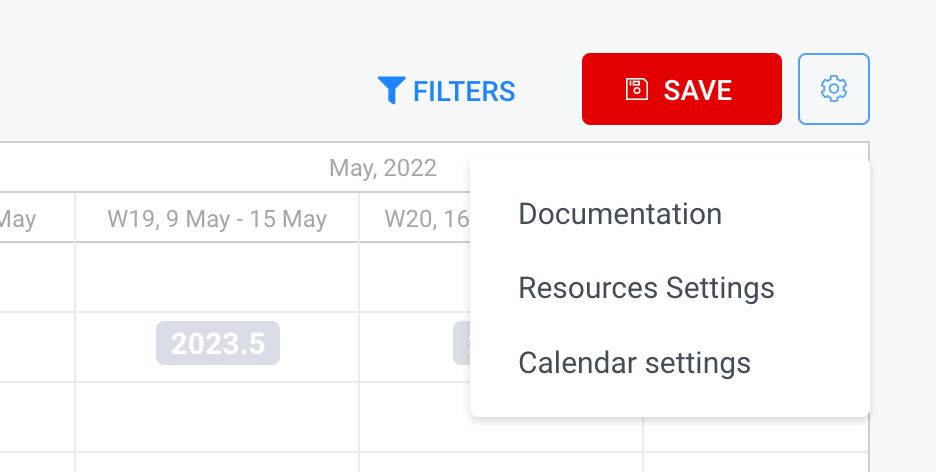
Default Settings
Locate "Default settings of holidays and working days" and choose your country. If public holidays vary based on the region, choose from the selected holidays' area and move them to Available holidays. Then Apply changes. Now you have selected public holidays which apply to the whole company.
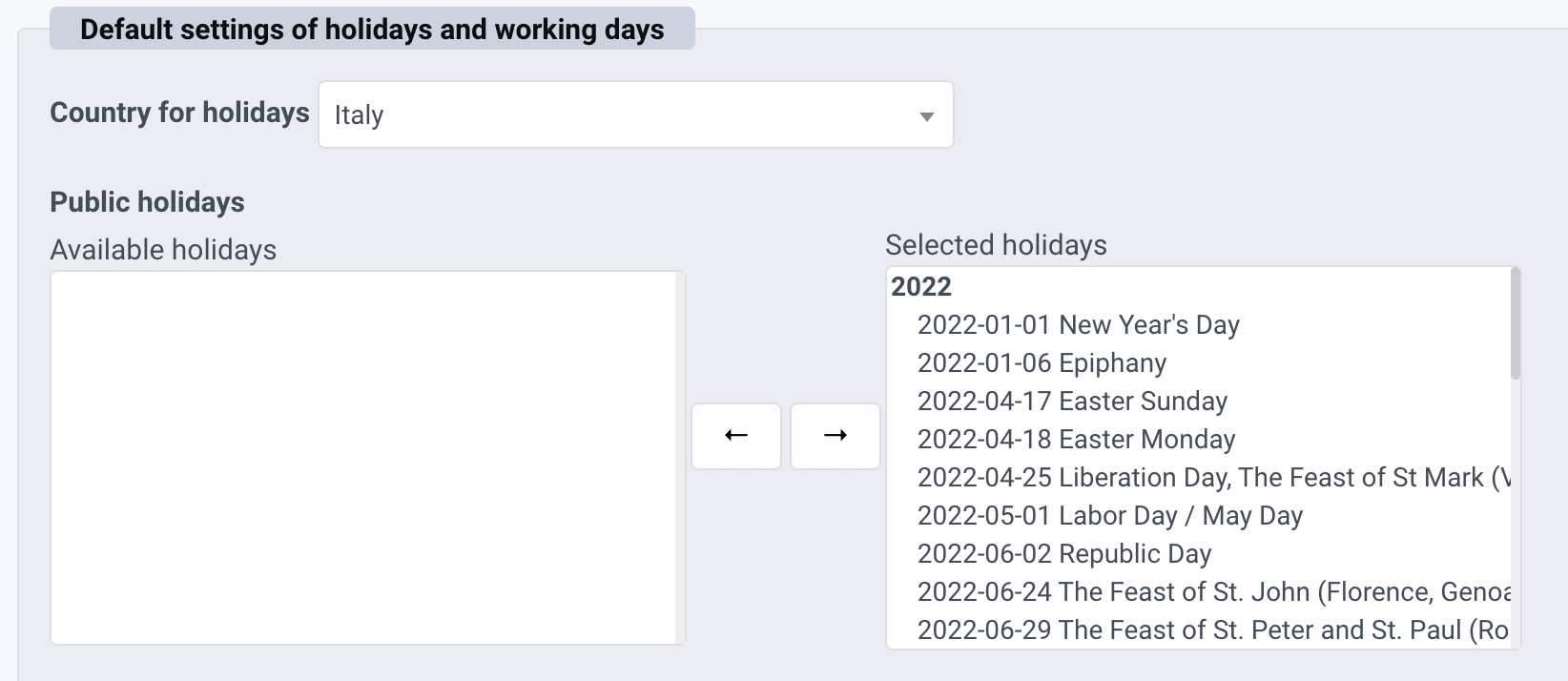
Non-working Days
Regarding working days, you can either inherit the settings from Redmine (/settings?tab=issues) or set your own number of hours for each day.
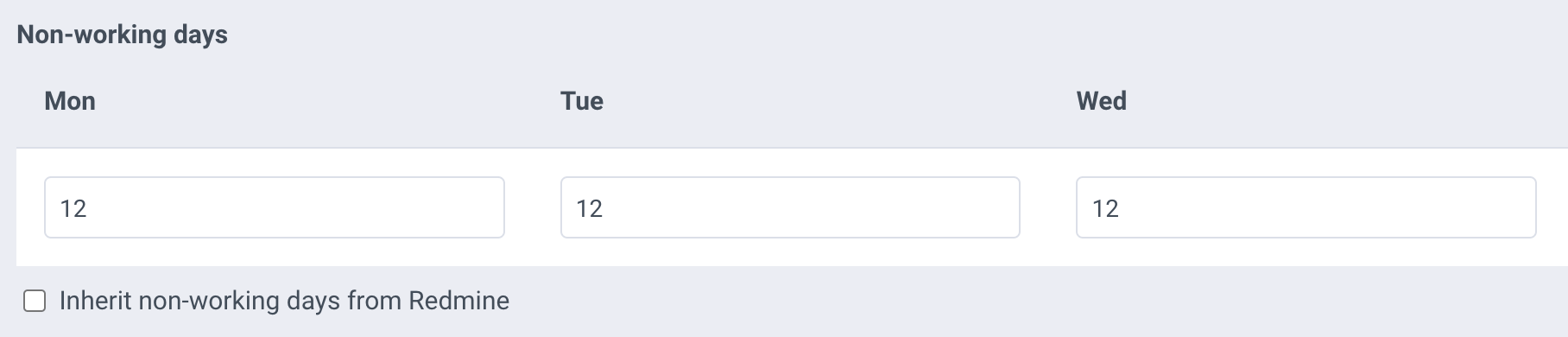
Exceptions
Suppose you have a multinational team and you have employees from a different country, say the US. You can manage these exceptions in the "User/Group settings of holidays and working days" section. Add a user, click on the name to collapse the settings, and the same way you set public holidays & working days for the whole company, you can make an exception for a particular employee.
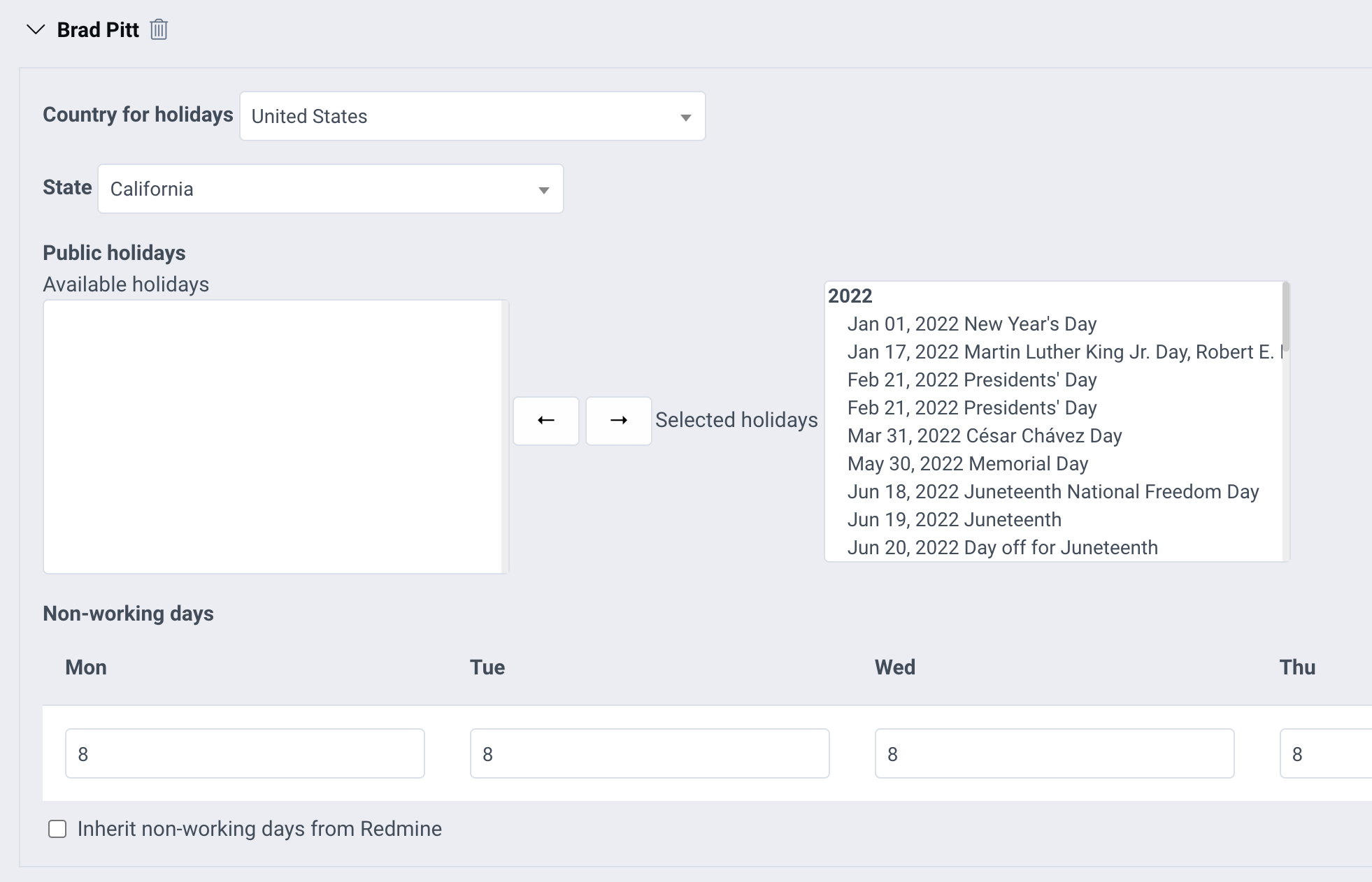
If you want to manage personal holidays or vacations, you need to set a tracker for that, along with a project. Locate the section which says "Settings of personal holidays" and you will see a dropdown with trackers.
Define a Vacations Project
First you need to define a project that will be used just for storing vacation tasks. This means it will most likely be a first-level project and it definitely has to be a project outside your structure of projects where you deal with Resources. Meaning the tasks will not appear in global Resources. It is recommended to create a first-level project called Vacations. All you need is task tracking and time tracking.
Define a Vacations Tracker
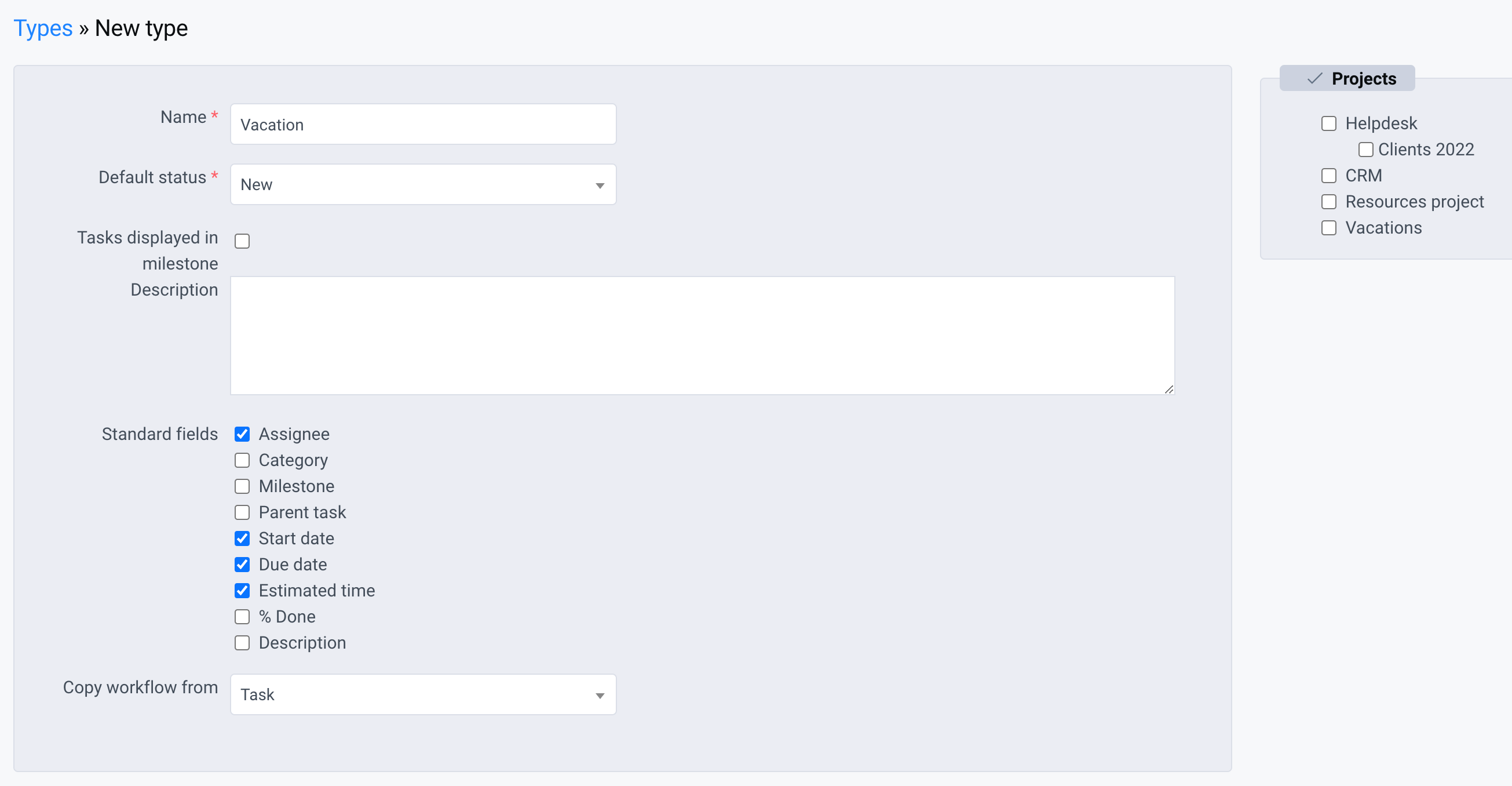
Then you need to go to /trackers to define a new tracker or type as it is called in Redmine. We recommend calling it "Vacation". Check the vacations project and you don't need to tamper with any other settings. You will have to either define a new workflow or copy the workflow from an existing tracker.
Choosing the Tracker
Once you have a project for vacations, and a tracker, you can go back to the Calendar Settings at /settings/plugin/redmine_x_assets and choose the Vacations tracker. All set.
Create a Vacation
Now create a task in the Vacations project, set the start and due date that corresponds with someone's vacation, and assign it to the user. You will see that in Resources, you will see this period as a non-working day, along with all public holidays that are set for the whole company as well as for individual users.
Share this if you liked it!
Take a look at our Youtube Channel.